The network is the foundation
A smart home system is only as reliable as the network underneath it. When a keypad drops out, a camera stalls, or a stream buffers in one bedroom but not another, the cause is usually a single consumer router trying to cover a house it was never built for, not the devices themselves. Structured cabling and a properly sized network are the part of the project nobody sees and everybody feels.
We treat the network as its own design problem: how many access points, where they get placed, how much cable runs to each one, and how the switch in the rack is sized to carry every device in the house without choking during the busiest hour of the evening.
What we install
Every network project starts the same way, with a count: how many devices, how many people, how many rooms, how far the signal has to travel through framing, brick, or plaster before it reaches a bedroom on the far end of the house. That count drives the design, not a default parts list.
- Structured cabling run during construction, or added into an existing house room by room during a retrofit
- Enterprise access points placed for coverage, not just one router in a closet
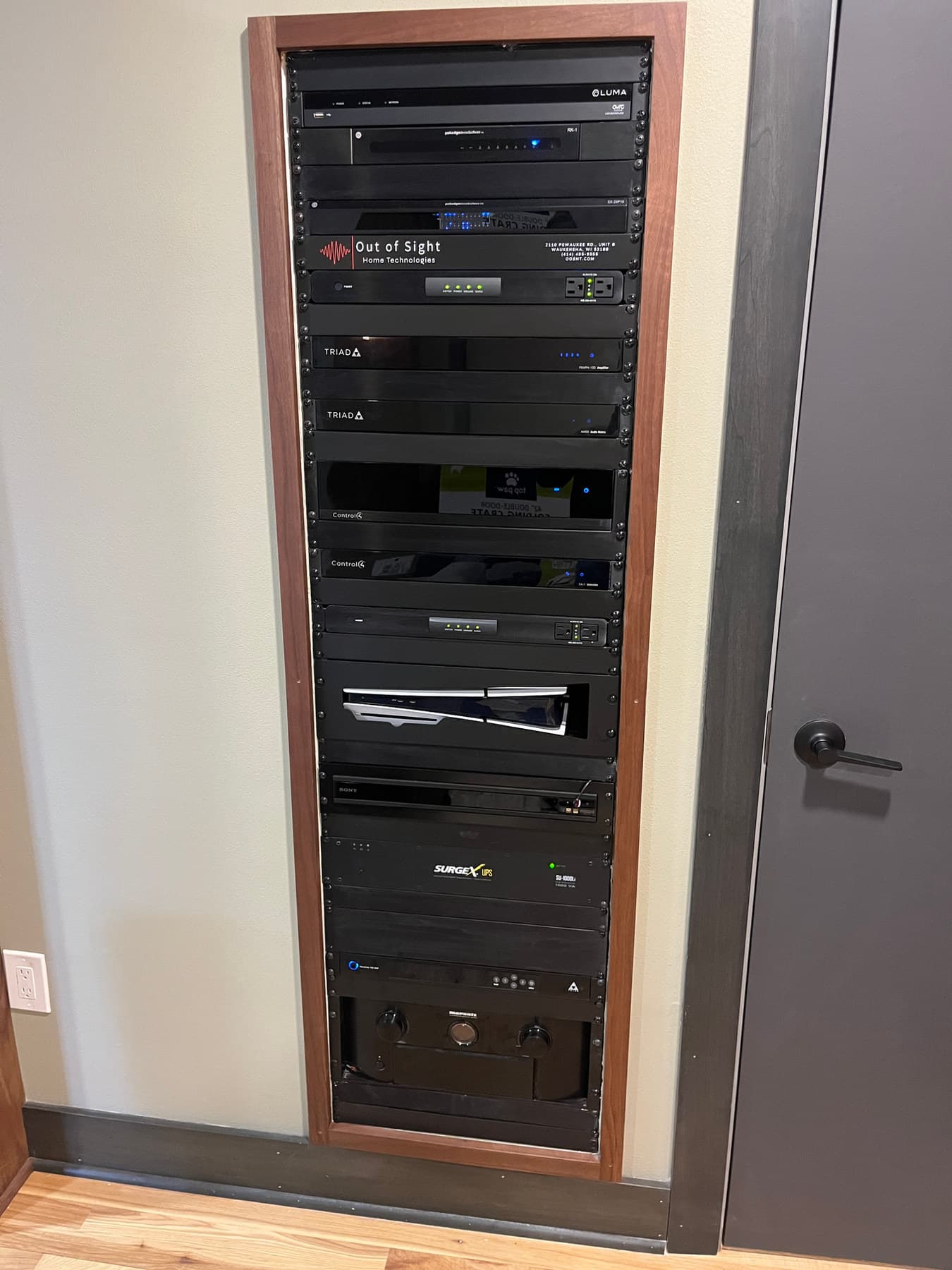
- A managed switch sized to carry cameras, streaming, keypads, and every other device at once
- Separate network segments for guests and for security devices, so one does not slow down the other
Wi-Fi that works in every room
Coverage is not just about signal strength in one spot; it's about a consistent connection as you move through the house. Multiple access points handed off correctly mean a call or a stream does not stutter when you walk from the kitchen to the patio. This matters more, not less, once the network is also carrying the smart home system itself: a dropped keypad connection is not just an inconvenience, it's a light that will not turn on.
New construction and retrofits
New construction is straightforward: we run cable to every point that needs it before drywall closes the walls. An existing house takes more planning, since cable has to be fished or routed through attics, basements, and wall cavities without tearing the house apart. Both paths end at the same place: a network built to carry a whole house, not patched together access point by access point as problems show up.
Sized to the house, not a generic tier
A three-bedroom house and a six-bedroom house with a detached garage and a guest house are not the same networking job, even though both get called a home network. We size the number of access points, the switch, and the cable run count to the square footage and construction materials of the specific house, not a package tier picked off a price sheet.
Security and separation
Cameras, locks, and other security devices run on their own network segment, separate from guest Wi-Fi and separate from everyday streaming and browsing. That separation keeps a busy movie night from competing with a camera feed for bandwidth, and it keeps a guest network from having any path to the devices that control the house.
Show us where the connection fails
A dead spot, slow streaming, and an unreliable internet service are different problems. Describe the symptom before replacing the router.
- Note which rooms and devices lose connection, and when it happens.
- Locate the internet handoff, router, switches, and existing cable runs.
- Include outdoor spaces or outbuildings where coverage is needed.
- Ask how coverage and wired connections will be checked after installation.
Discuss your network and data infrastructure project, or read the consultation checklist first.
Have a system someone else installed? We take those on after a consultation, when the equipment is workable.