The problem with nine apps
Most houses end up running one app per manufacturer. The thermostat has its own app, the lights have another, the cameras have a third, and the garage door has a fourth that nobody remembers the password to. None of them talk to each other, so none of them can act together. Smart home automation means putting all of it behind one system, so a single command or a single scene can touch lighting, audio, climate, locks, and cameras at the same time.
We build on Control4, which we sell and program as an authorized dealer. Control4 is not a product you buy off a shelf and set up yourself. It is a platform, and the value is in how it gets programmed for your specific house, not in the boxes themselves.
What a system actually does
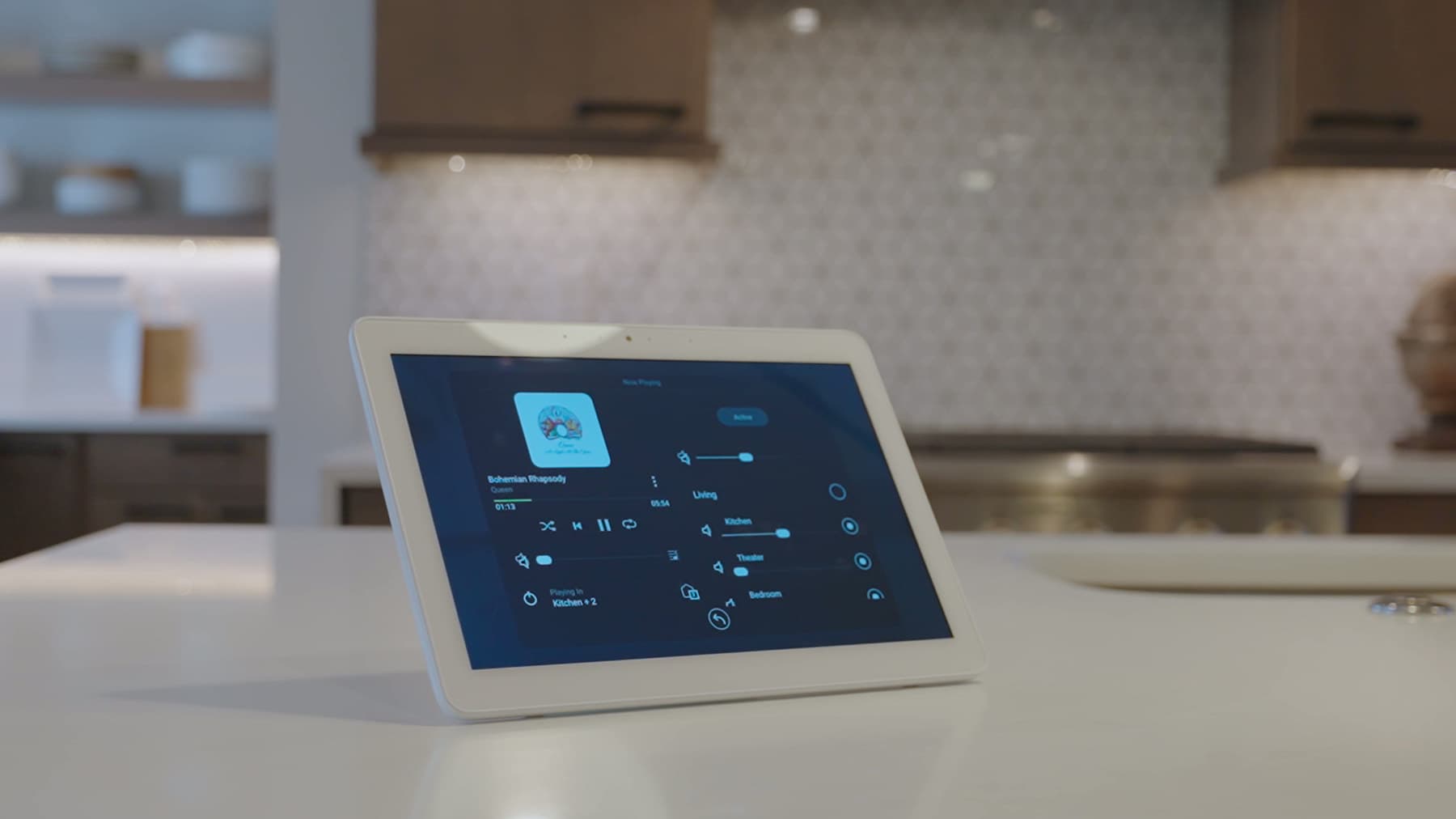
- One keypad or app screen controls lighting, shades, audio, and climate room by room
- Scenes that run several devices at once: Morning, Movie, Away, Goodnight
- Locks and garage doors tied into the same interface as everything else
- Cameras and doorbell video available from the same app your family already uses
- Voice control layered on top for the rooms where that is the faster way in
Design, rough-in, trim, programming
We start with a consultation and a walk of the house. From there the project moves through rough-in (the wiring and low-voltage work, done during construction or opened up during a retrofit), trim (the visible hardware: keypads, panels, in-wall touchscreens), and programming, which is where the system stops being a pile of equipment and starts behaving like the house you asked for.
Programming is the part most companies skip past. A keypad that is wired correctly but programmed generically still makes you think about which button does what. A keypad programmed around how your family actually moves through the house disappears. That is the difference between an installer and an integrator, and it is where Greg, our systems engineer, spends most of his time on every project.
New construction or an existing house
New construction gives us the cleanest path: we run cable before drywall goes up, and nothing has to be exposed or patched. An existing house is a different job, not a lesser one. Retrofits use wireless keypads and sensors where pulling cable is not practical, and a network built around access points instead of a single router, so coverage does not depend on where the cable happens to already run.
Either way, the plan gets built to fit the house you actually have, not a checklist. A story-and-a-half farmhouse and a new-build with a finished lower level need different wiring paths and different keypad placements, and we walk both before writing a proposal.
Who touches the project
Noel runs the consultation and the proposal. Greg, our systems engineer and VP, does the programming, which is the part that decides whether the system feels like it belongs in your house or like a demo unit. Conrad handles service and trim work on site. The same three people who walk the house are the ones who program it and the ones who come back if something needs attention.
Bring the routines, not a shopping list
A useful automation brief describes what should happen when you wake up, leave, return, or settle in for the evening.
- List the rooms and the people who need to use the controls.
- Identify equipment to keep and the apps or remotes you want to simplify.
- Separate essential local controls from features you want to use away from home.
- Ask for programming, handover, and ongoing platform requirements to be explained in the proposal.
Discuss your smart home automation project, or read the consultation checklist first.
Have a system someone else installed? We take those on after a consultation, when the equipment is workable.
Questions before you start
What can you actually automate in a house?
Lighting, shades, audio, video, climate, locks, garage doors, cameras, and the doorbell are the usual list. The useful part is the scenes that tie them together: arriving home unlocks the door, brings up the entry lights, and sets the thermostat; Goodnight locks up, drops every light, and arms the cameras from one button by the bed. We design scenes around how your family moves through the house, not around a feature list.
How much does it cost to automate a home?
It depends on three things: how many rooms and systems are included, whether cable can be run before drywall or has to be fished through a finished house, and how much of the system is programmed versus left at defaults. The design consultation is where we scope those, and the proposal itemizes equipment, wiring, and programming so you can see what each part of the plan is doing. We do not publish package prices because no two houses have come out the same.
What are the downsides of home automation?
A badly planned system is worse than no system. Cheap devices on separate apps stop working when a manufacturer changes its cloud service, a weak network makes everything feel slow, and generic programming leaves you guessing which button does what. The fix is one platform, a network built for it, and programming done by the people who wired it. Expect some ongoing attention too: firmware updates and the occasional tweak as your family's routine changes.
What still works if the internet goes down?
With Control4 the processor sits in your house, so keypads, scenes, lighting, audio, shades, and local control keep working on your own network. What you lose until service comes back is remote access from outside the house, streaming sources, and voice assistants that depend on the cloud. A power outage is a different case, and we spec battery backup for the rack and network gear where it matters.
Can you work with an existing house, or only new construction?
Both. We plan new construction and retrofit installations. Cable gets fished where it is practical, wireless keypads and sensors fill in where it is not, and the network is built around access points so coverage does not depend on where the old cable happens to run.